Use Mobile Client as Device's Remote Controller
For a device added via IP/Domain, you can use the Mobile Client as the device's remote controller.
Note:
-
The function should be supported by the device.
-
The remote controller function is supported when your phone or tablet is connected to a Wi-Fi network, and the network latency should be less than 200ms.
-
On the device list page, tap
 > Settings to enter the Settings page of the device.
-
Tap
 and tap Remote
Controller to enter the following page.
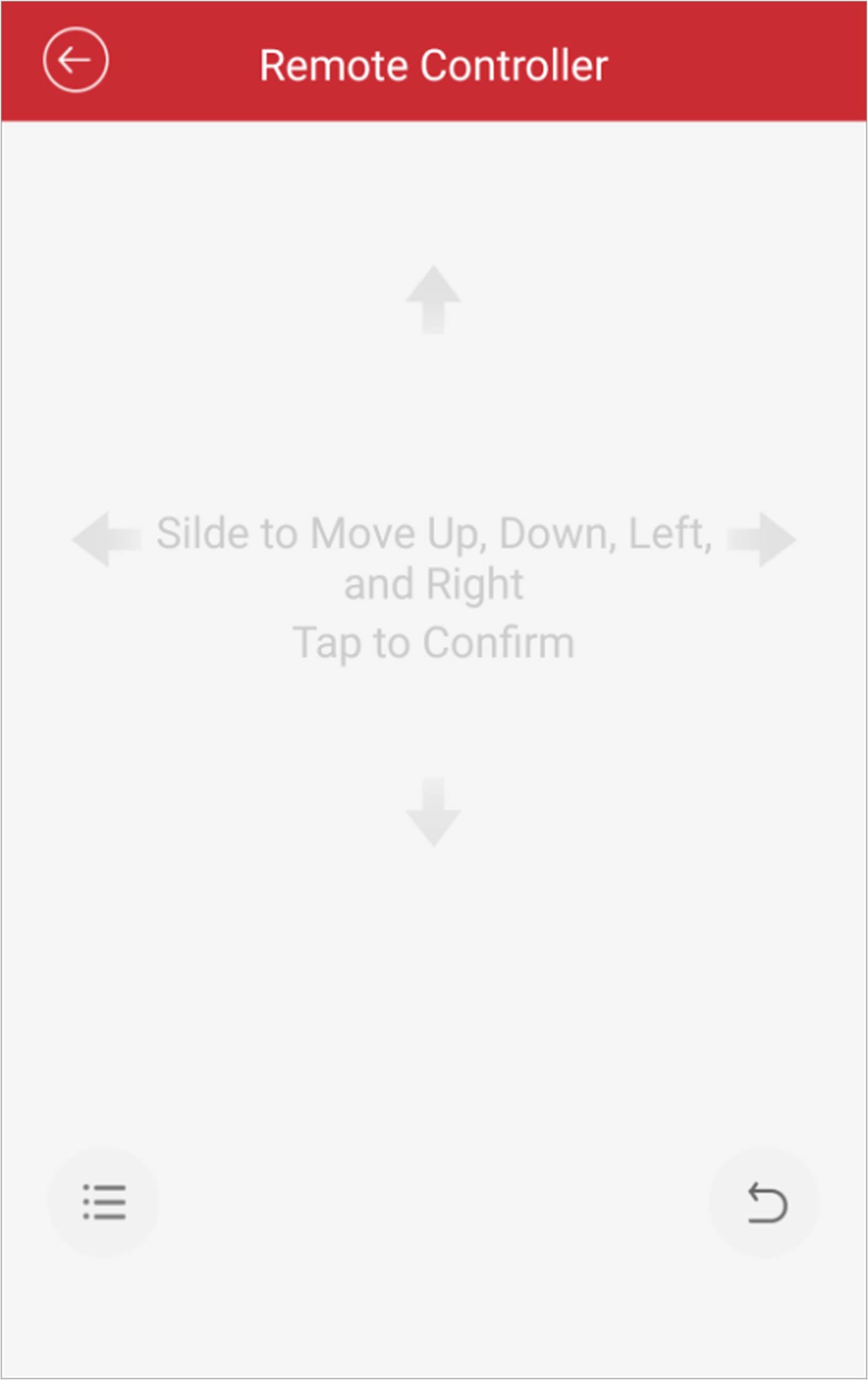 Figure 1 Remote Controller
Page
- Optional:
Tap
 to cancel and return to the
previous menu of the device.
- Optional:
Tap
 to open the main menu of the
device.