Configure Cloud Storage

The cloud storage function enables the device to upload videos to a cloud server. It may not only save your local HDD storage space, but also let you access videos more conveniently. You can enable cloud storage via web browser.

Ensure your device is properly connected to Internet, and you have the correct cloud storage information.

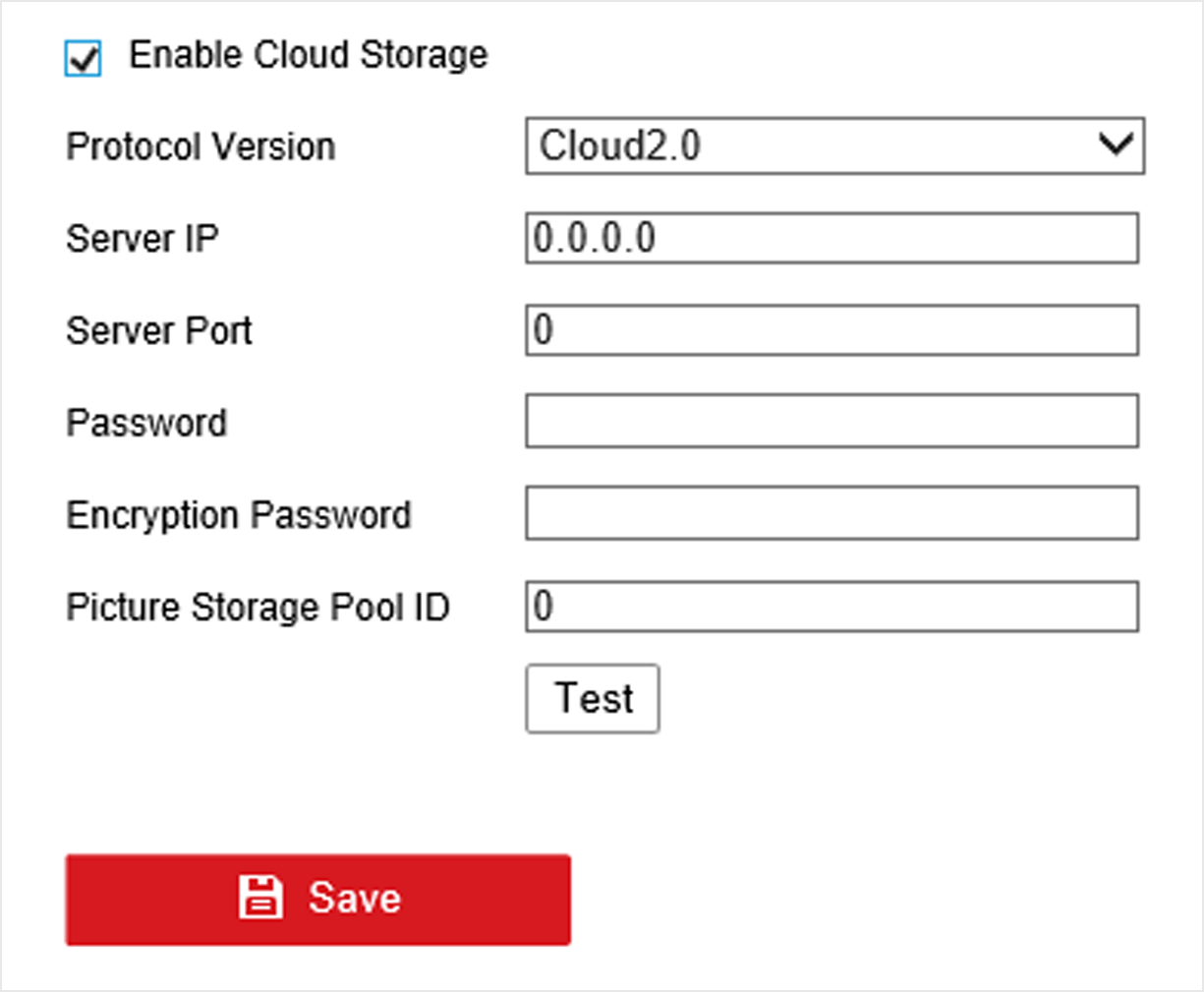
  1. Go to Configuration > Storage > Storage Management > Cloud Storage.
    Figure 1 Cloud Storage
  2. Check Enable Cloud Storage.
  3. Set cloud storage server parameters.
    Note:

    There are multiple pools in a cloud storage server. A pool is like an HDD, it is used for store files. Each pool has an ID, hence you have to get the pool ID from storage server.

  4. Click Test to test if parameters are valid.
  5. Click Save.