Add a Network Disk
You can add the allocated NAS or IP SAN disk to the device, and use it as a network HDD.
-
Click Add.
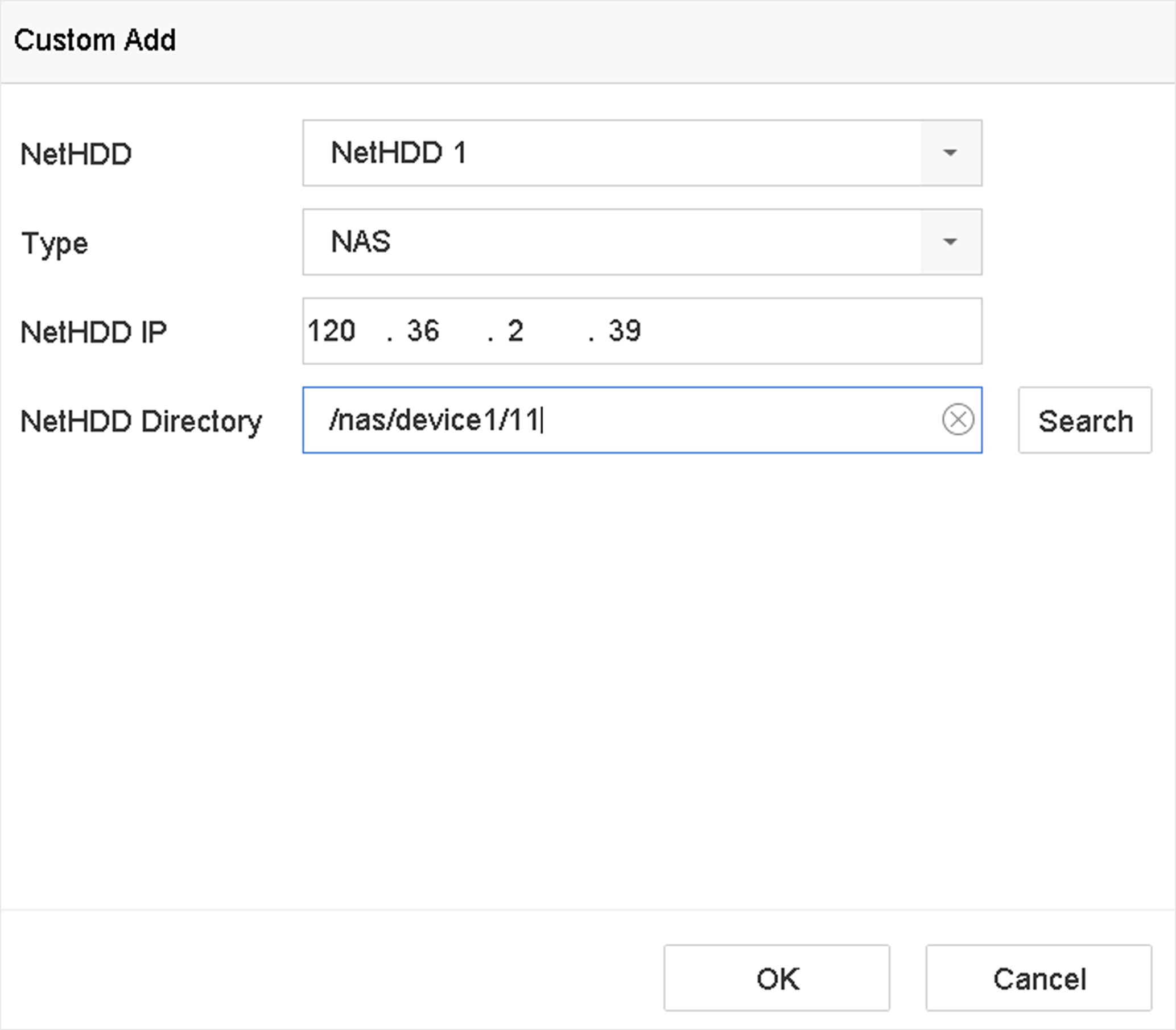 Figure 1 Add NetHDD
You can add the allocated NAS or IP SAN disk to the device, and use it as a network HDD.
Figure 1 Add NetHDD