Edit Element in Area
You can edit the area's added elements, such as recording settings, event settings, and map settings for cameras, application settings, hardware settings, and so on.
Select an area on the left and a device type on the top.
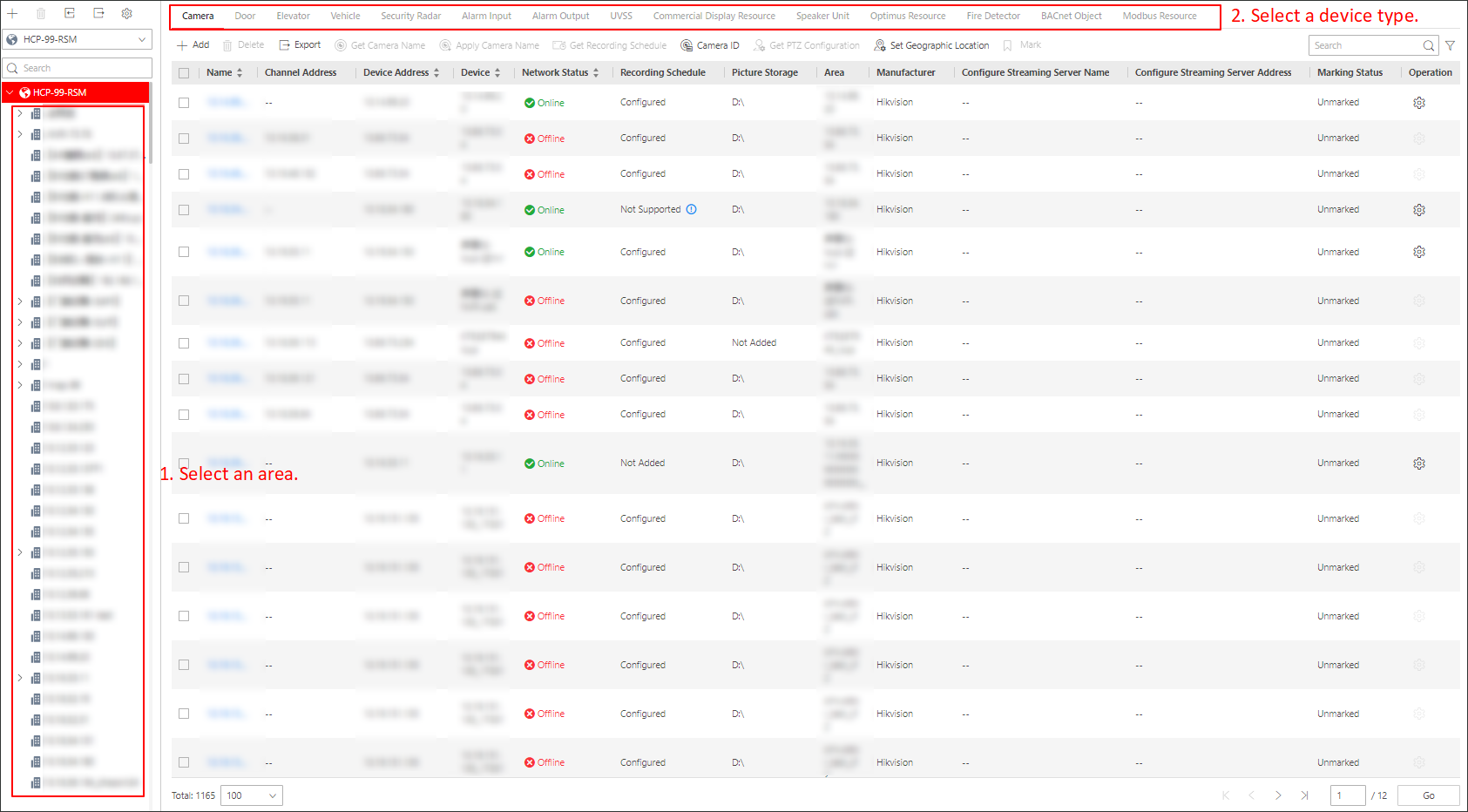
Figure 1 Select Area and Device
Type
In the top left corner of Home page, select > Basic Management > Device > Area. Then select a site from the drop-down site list to show its areas, and select an area below.

Note
-
The icon indicates that the site is the current site.
-
The icon indicates that the site is a Remote Site.
 indicates that the site is the current
site.
indicates that the site is the current
site. indicates that the site is a Remote Site.
Share