Set WAN Access
In some complicated network environments, you need to set a static IP address or a domain name and ports for the platform to access WAN (Wide Area Network).
Select WAN Access and enable the button. You can select one or more application scenario(s) and click Export Ports to export an Excel file about the port information for WAN configuration.
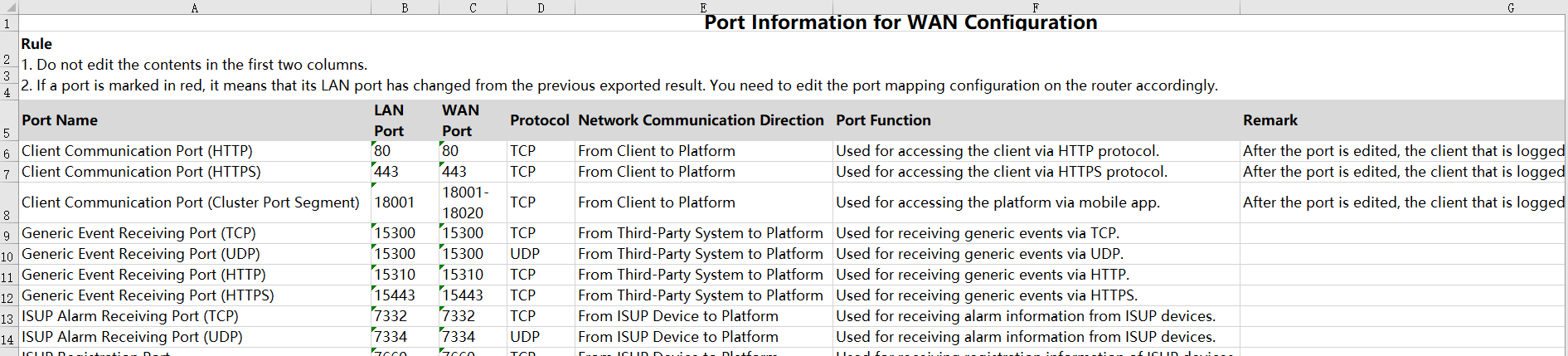
Figure 1 Exported Template
Send the template to your maintenance staff to enter the WAN port numbers, and get the completed template.
Click Import Ports to import the completed template.
Check the imported ports, and click Save.
Share