Export Configuration Data
You can export and save configuration data to local disk, including recording settings and resource configurations.
-
Select the configuration data types that you want to export.
Note
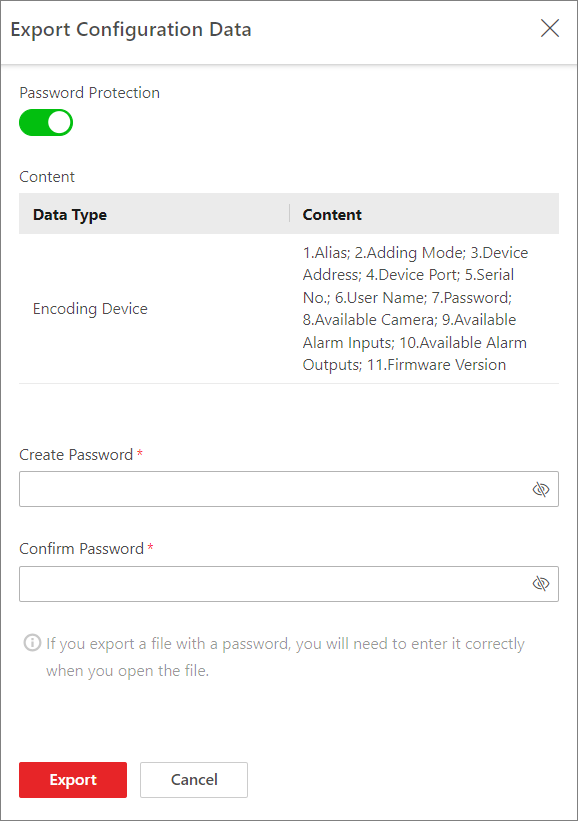
If you enable Password Protection, you can export only the configuration data of encoding devices, and you need to set a password.
Figure 1 Password Protection
Share