Search for Notifications
You can search for notification information to promptly detect and respond to alerts or updates, ensuring swift action on security incidents.
On the Home page, go to .
You can filter the information by selecting Date and Notification Type. These notifications primarily consist of:
-
System-related alerts, such as "device type not supported".
-
User operation prompts, such as "calling video intercom not answered".
Based on the filter criteria you set, click Export in the upper-left corner to export notification files to Excel, PDF, or CSV formats.
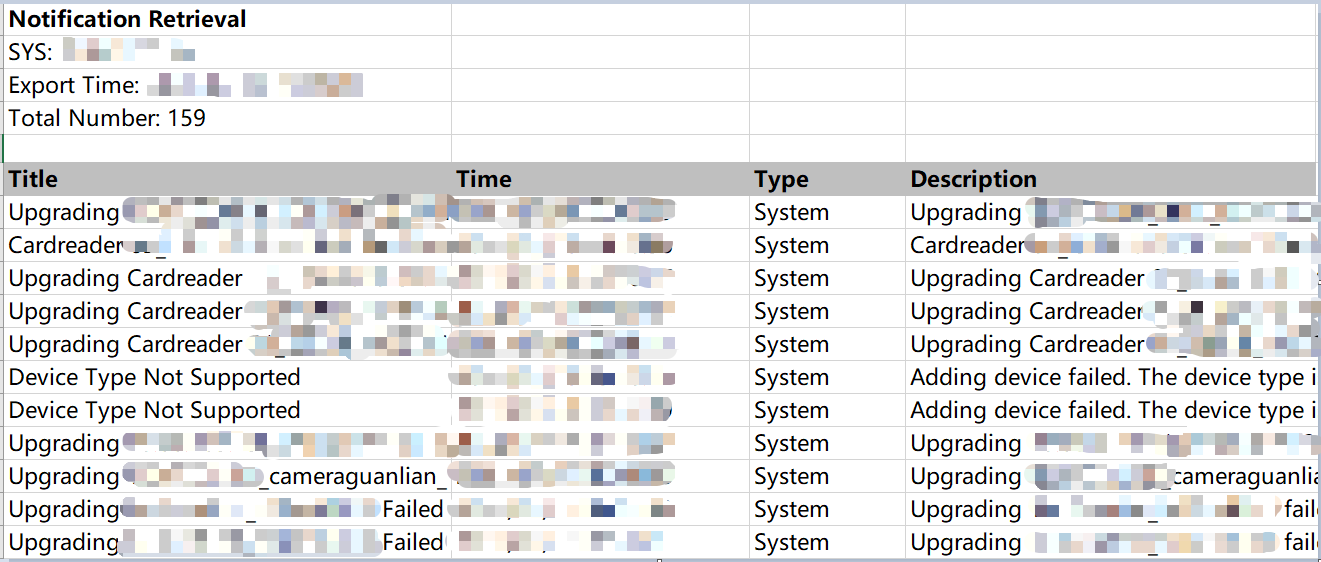
Figure 1 Notification Retrieval Excel Template
Share