Search for System Logs
You can search for server and/or device logs to promptly identify and address issues, enhancing the efficiency of incident response. Server logs and device logs respectively refer to the logs generated by the server that are stored on the server and the logs stored on the device.
Access is available via two options:
- To search server logs and device logs
-
On the Home page, go to .
- To search local device logs
-
-
On the Home page, go to .
-
Hover on one device then right-click and select View Log to search local device logs.
Note-
This feature should be supported by the device.
-
You can also view logs when viewing device details. On the Device Details page, hover on one device then right-click and select View Details. Click View Log in the upper-right corner.
-
-
- For Server Log
-
-
You can filter the event type by Information, Warning and Error. For instance, an Information event could be an Add Generic Event notification, a Warning could indicate a License Expiration, and an Error could signify a Door Lock Failure.
- Click Resource Name to quickly search the resource.
-
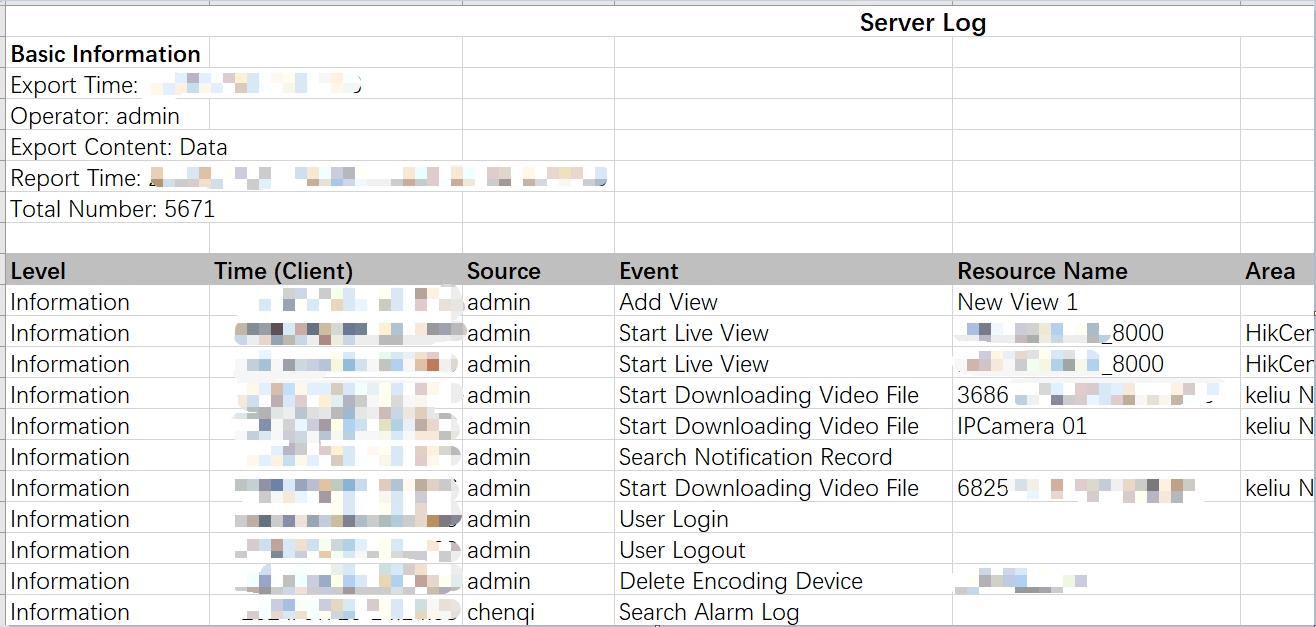
Click Export in the upper-left corner to export server log in Excel or CSV file.
Figure 1 Server Log Excel Template
-
- For Device Log
-
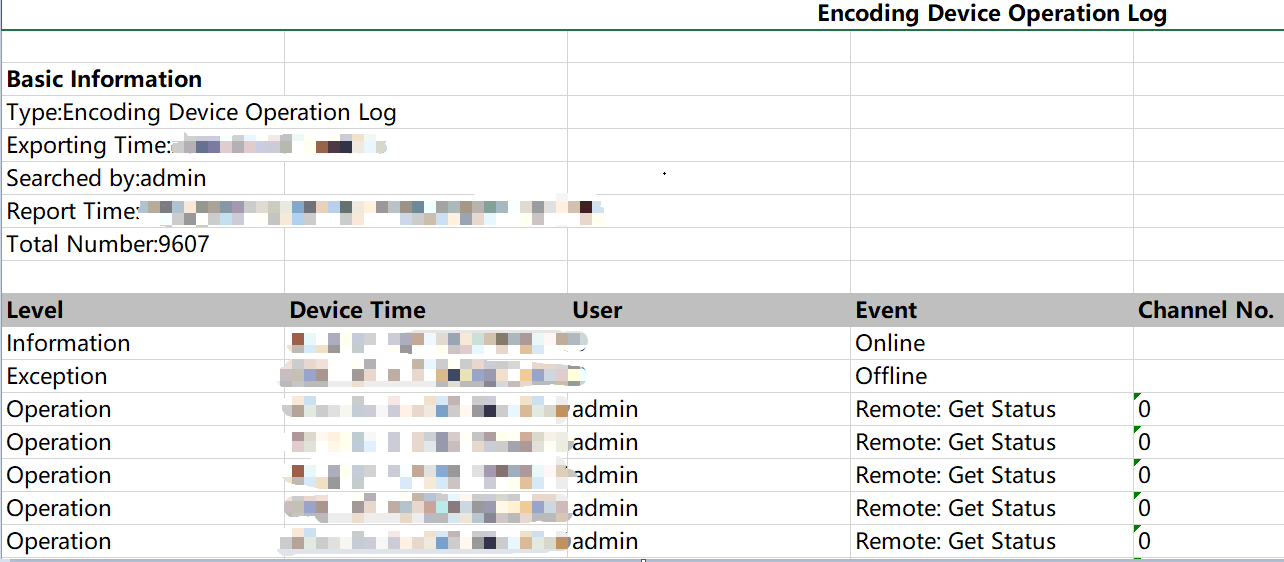
Click Export in the upper-left corner to export device log in Excel or CSV file.
Figure 2 Device Log Excel Template