Search for Detected Persons or Vehicles in VCA Areas
You can search for VCA events related videos, and filter the them by targets (persons/vehicles). The VCA events include intrusion detection and line crossing detection.
Note
Make sure that the VCA functions are already enabled on the device.
-
On the Intelligent Search page, set the time period and set the Location to VCA Area.
-
Select a camera to search for the VCA event related videos.
-
Select the VCA event type (Intrusion Detection or Line Crossing Detection), and draw a detection area/line for search.
-
Click Search.
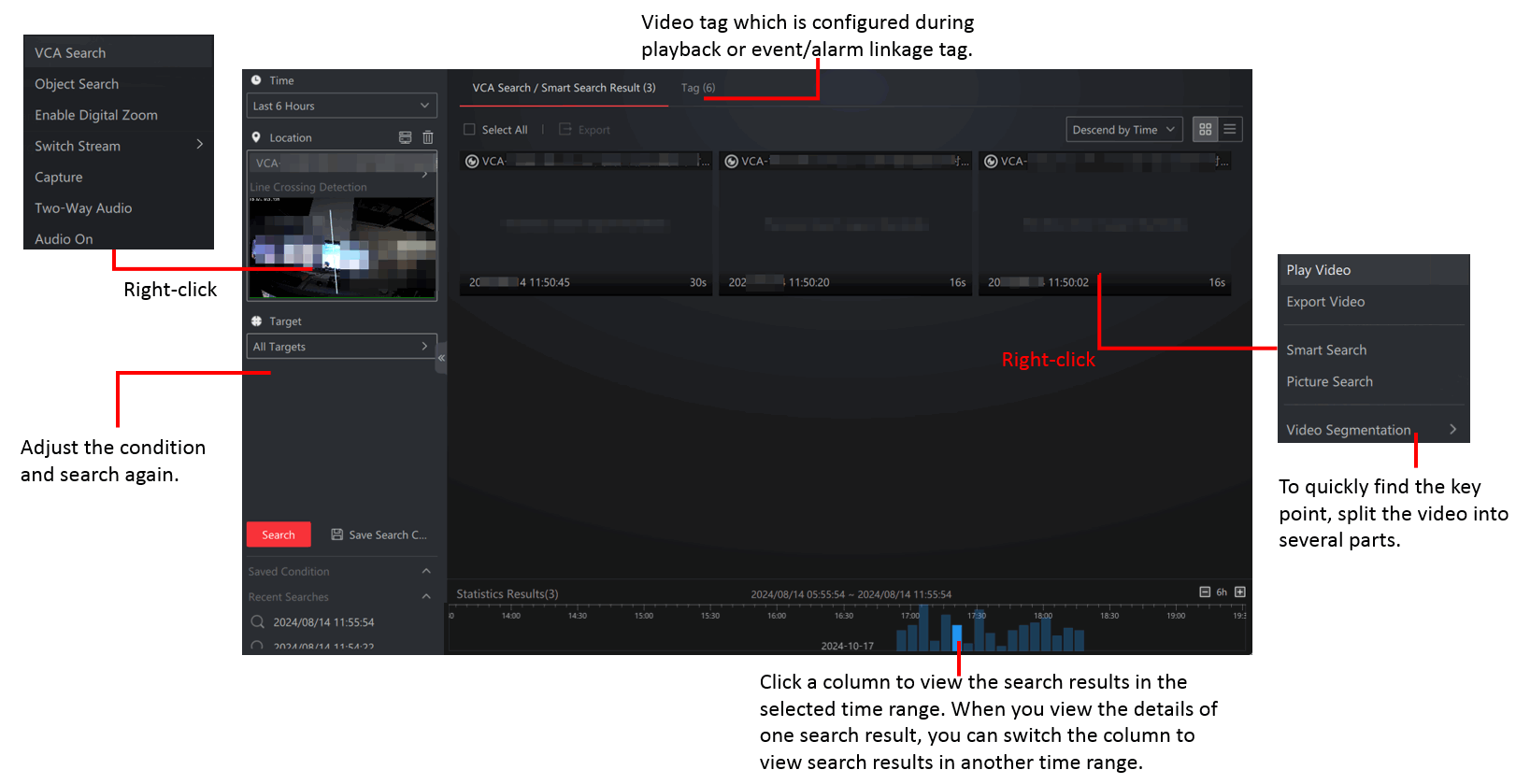
Figure 1 VCA Search
Share