Add or Edit a Holiday
The Holiday templates are mainly used for access control and event and alarm service. You can add holidays to define the special days.
In the System Configuration module, select Holiday.
Add Holiday
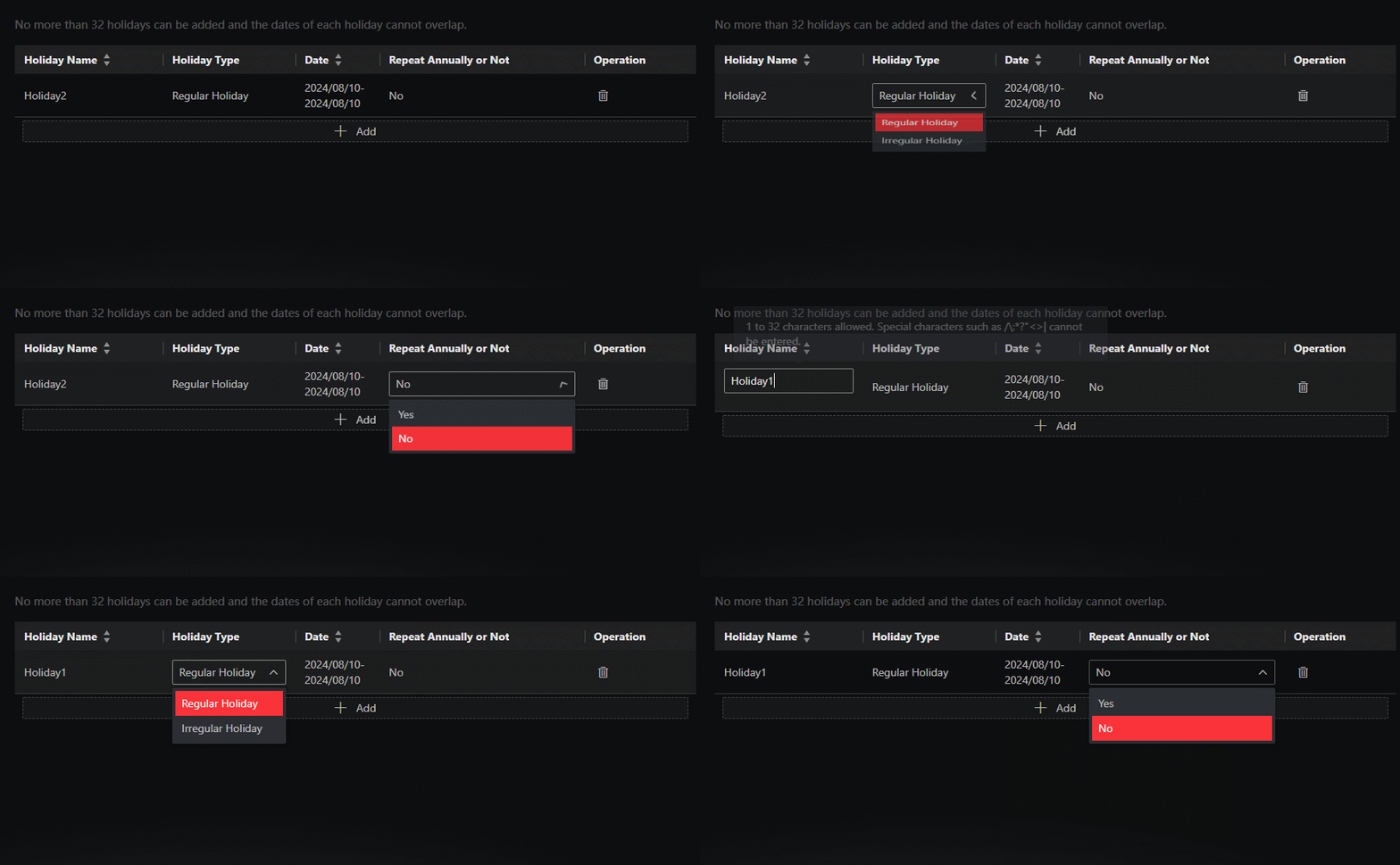
Click Add, enter the holiday name, and set the following parameters.
- Holiday Type
-
Select Regular Holiday or Irregular Holiday according to the actual scene. The regular holiday is suitable for the holiday that has a fixed date. For example, Christmas is on December 25th of each year; the irregular holiday is suitable for the holiday that is calculated by the weekdays, and the specified date might be different in a different year. For example, Mother's Day is on the second Sunday of each May.
Edit Holiday
In the holiday list, select a holiday and directly click a parameter of the holiday to edit it as needed.