You can enable Hik-Connect service
for a device on the device web page.
-
Visit the device IP address on the web browser.
-
Enter the device user name and device password to log in to the device web
page.
-
Tap to enter the Platform Access page.
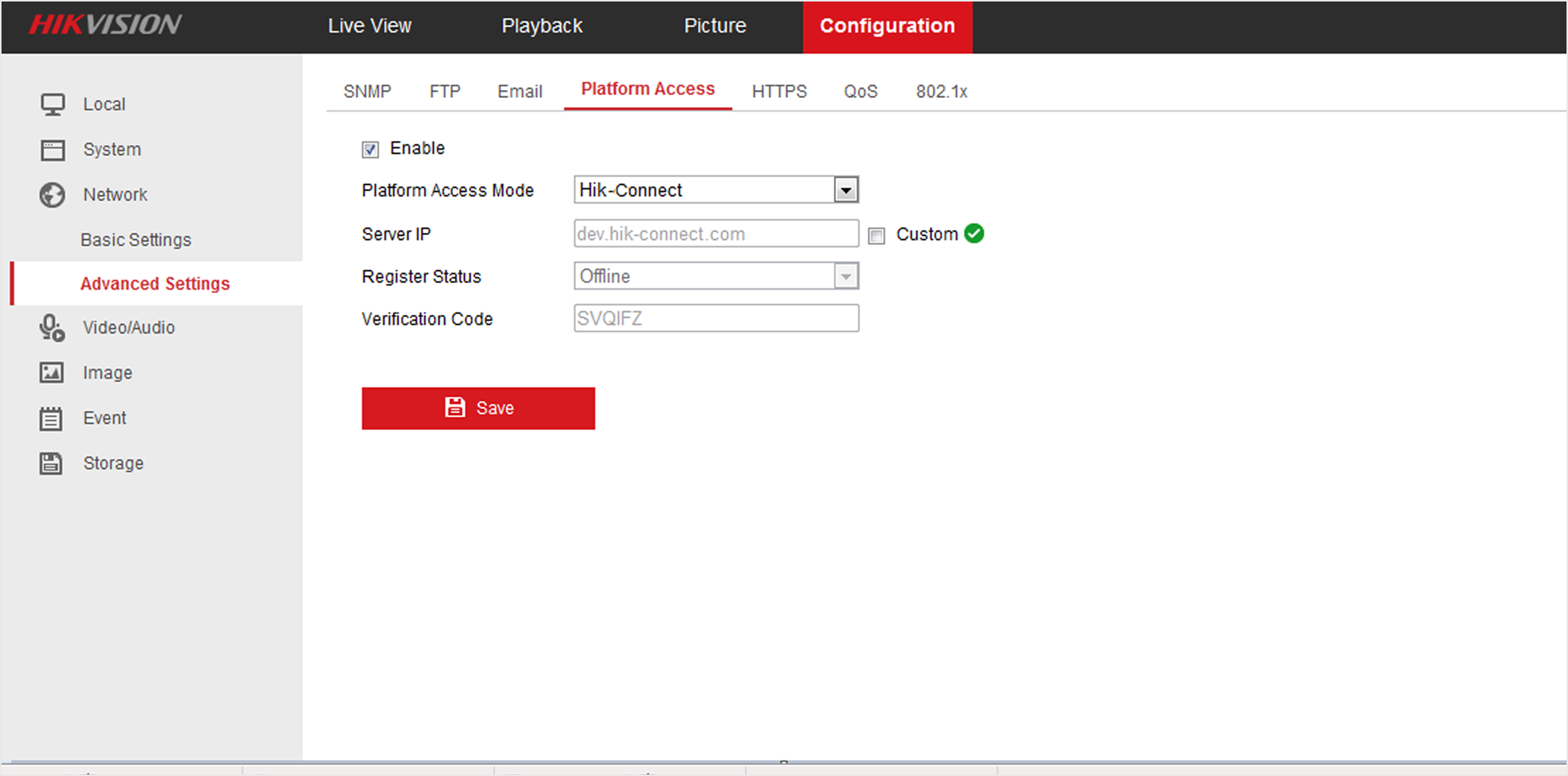
Figure 1 The Platform Access
Page
-
Check Enable.
The system will set Hik-Connect as the platform access mode by default.
- Optional:
If it is the first time to enable the Hik-Connect service, create a device verification code.
-
Tap Save.