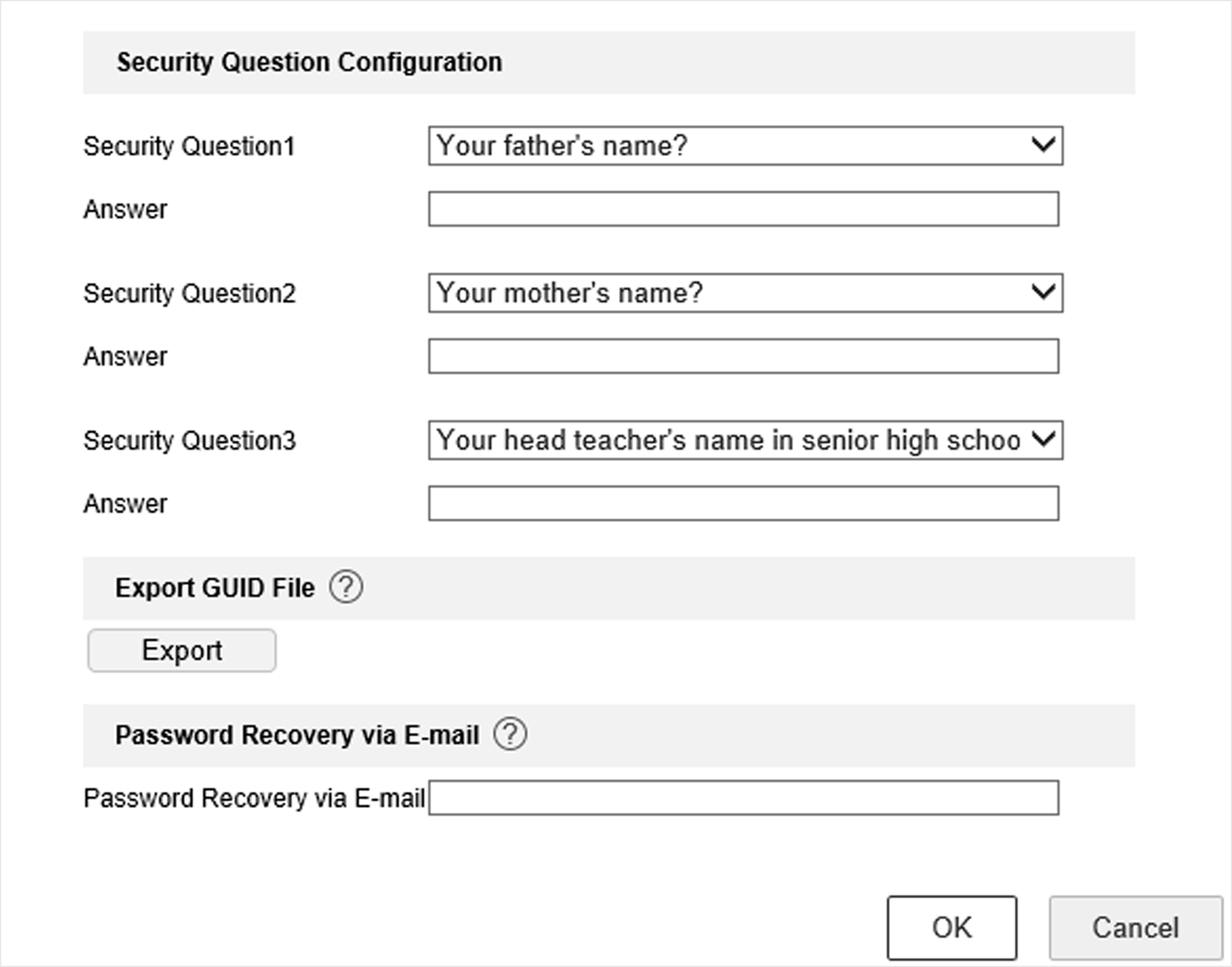
Export GUID File

The GUID file can help you to reset password when you forget it. You can export GUID file via web browser. Please keep the GUID file properly.

Ensure you are on the same network segment with your device.

  1. Go to Configuration > System > User Management > User Management.
  2. Select the admin user.
  3. Click Account Security Settings.
  4. Click Modify.
    Figure 1 Export GUID File
  5. Click Export in Export GUID File.
  6. Enter the admin password.
  7. Save the GUID file to a directory as your desire.