Manually Rebuild an Array
If no hot spare disks are configured, rebuild a degraded array manually.
At least one available physical disk must exist to rebuild an array.
-
Click
 of the degraded array.
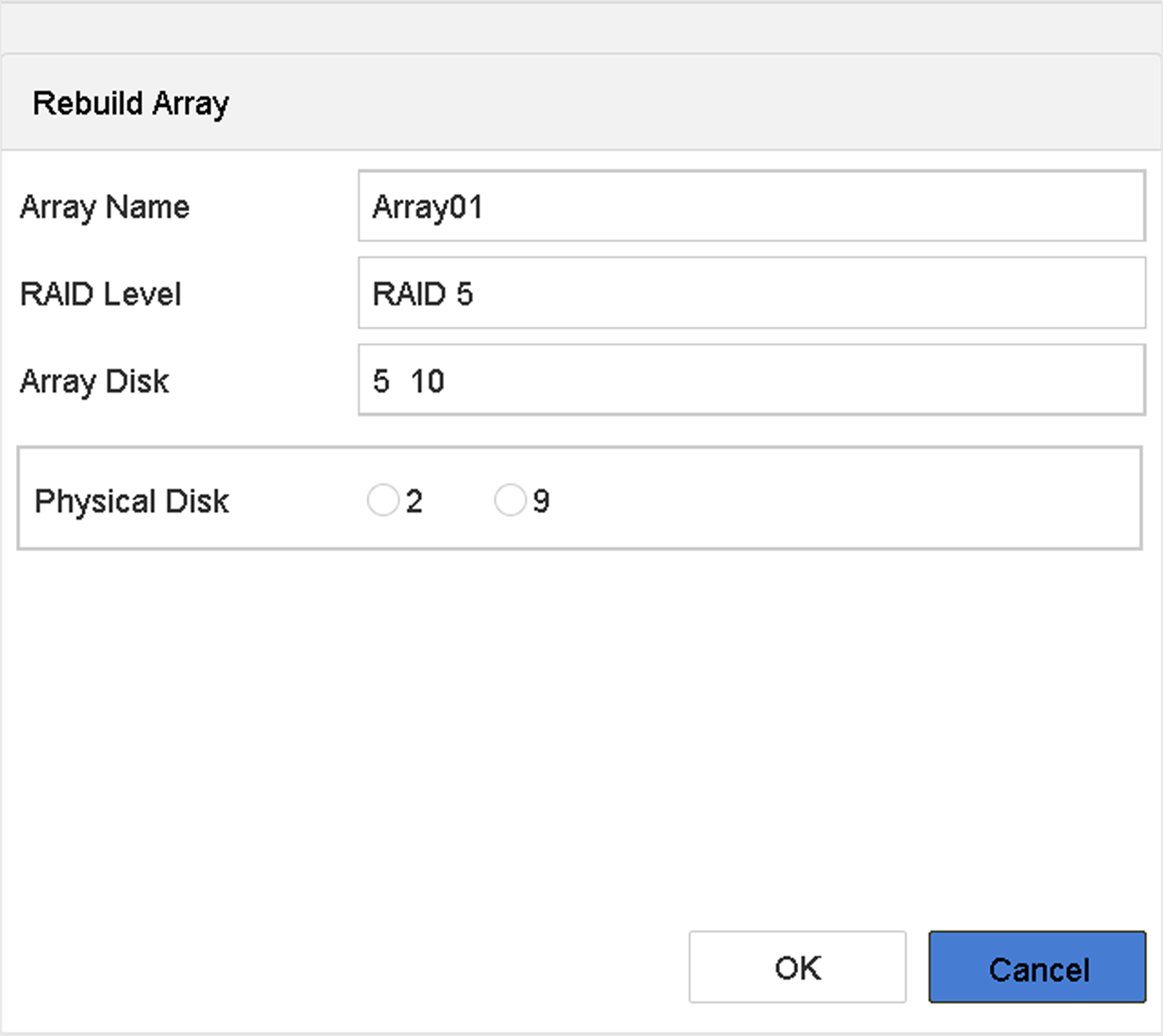 Figure 1 Rebuild Array